Appearance
Managing collections
Inbind automatically retrieves collections and updated content from your connected platforms whenever they are changed.
Collection selector
The collection selector allows you to switch between your collections. All of your collections from connected platforms are retrieved and can be viewed using Inbind.
From the collection selector, you can also create new collections.
Creating a new collection
To create a new collection, open the Collection selector. On the bottom of the selector choose, "Create New Collection". 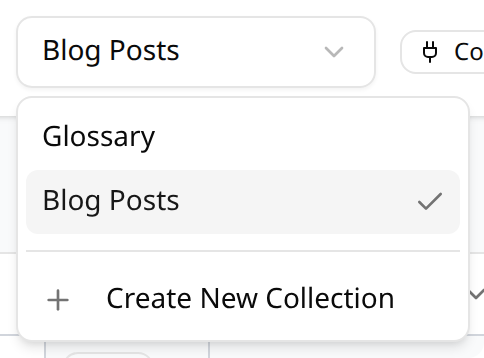
Enter a name for the collection. You can adjust the automatically filled in collection slug. Finally, press save.
INFO
As of now, it is not possible to edit or remove collections in Inbind. If you need to adjust collection names or slugs, you will need to do so in your connected platform.
Collection table
The collection table displays all of the items in your collection and collection fields as columns. 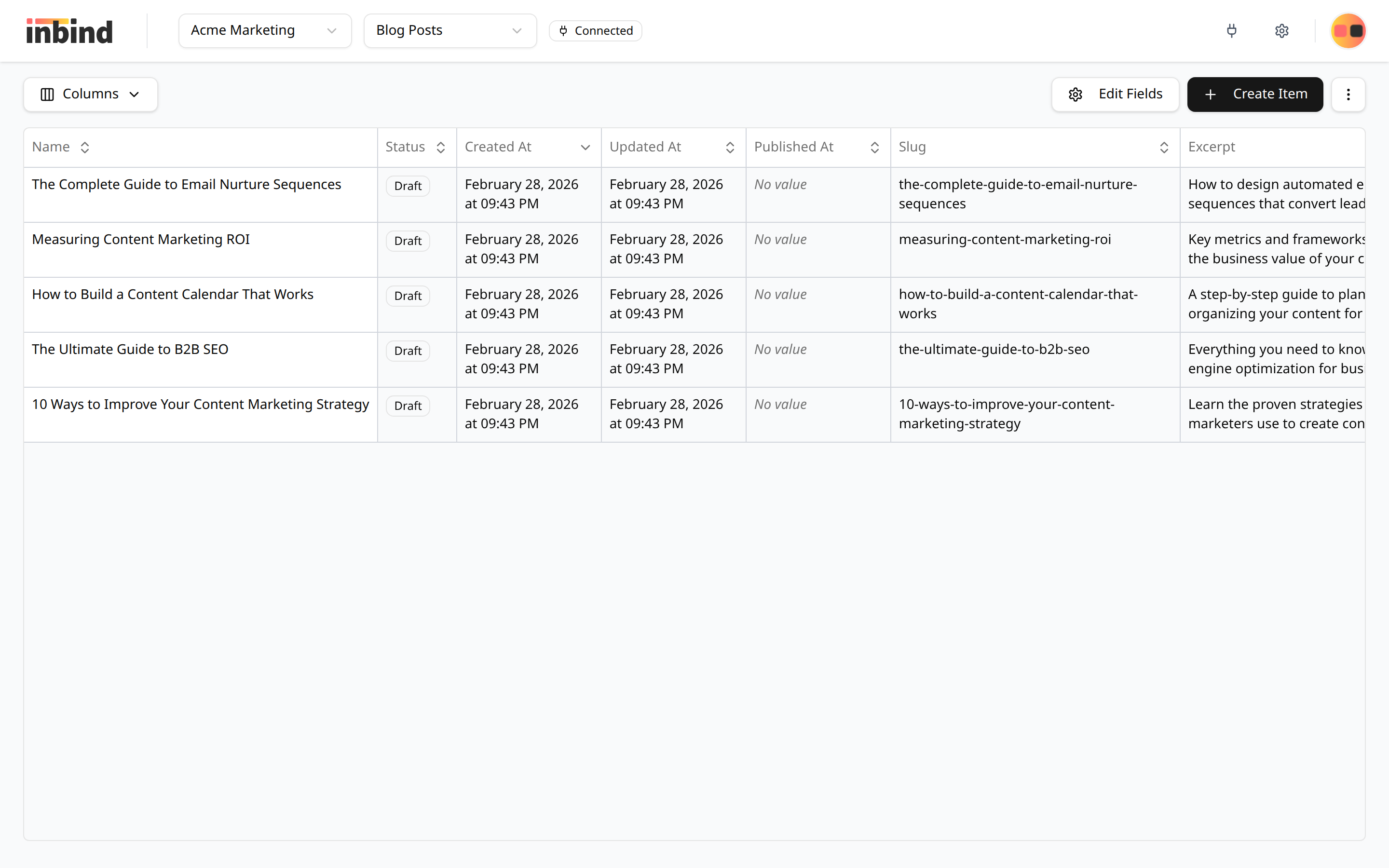
You can choose to show all collection fields, or select which columns you would like to show. Your last selection will be remembered the next time you open the collection table.
The table is sorted by created date of the item by default. The table can be sorted by any of the columns, with the exception of long content fields, for example blog article texts, and image fields.
Clicking on any of the cells in the collection table will open the item panel to the field value if you clicked on for easy editing. 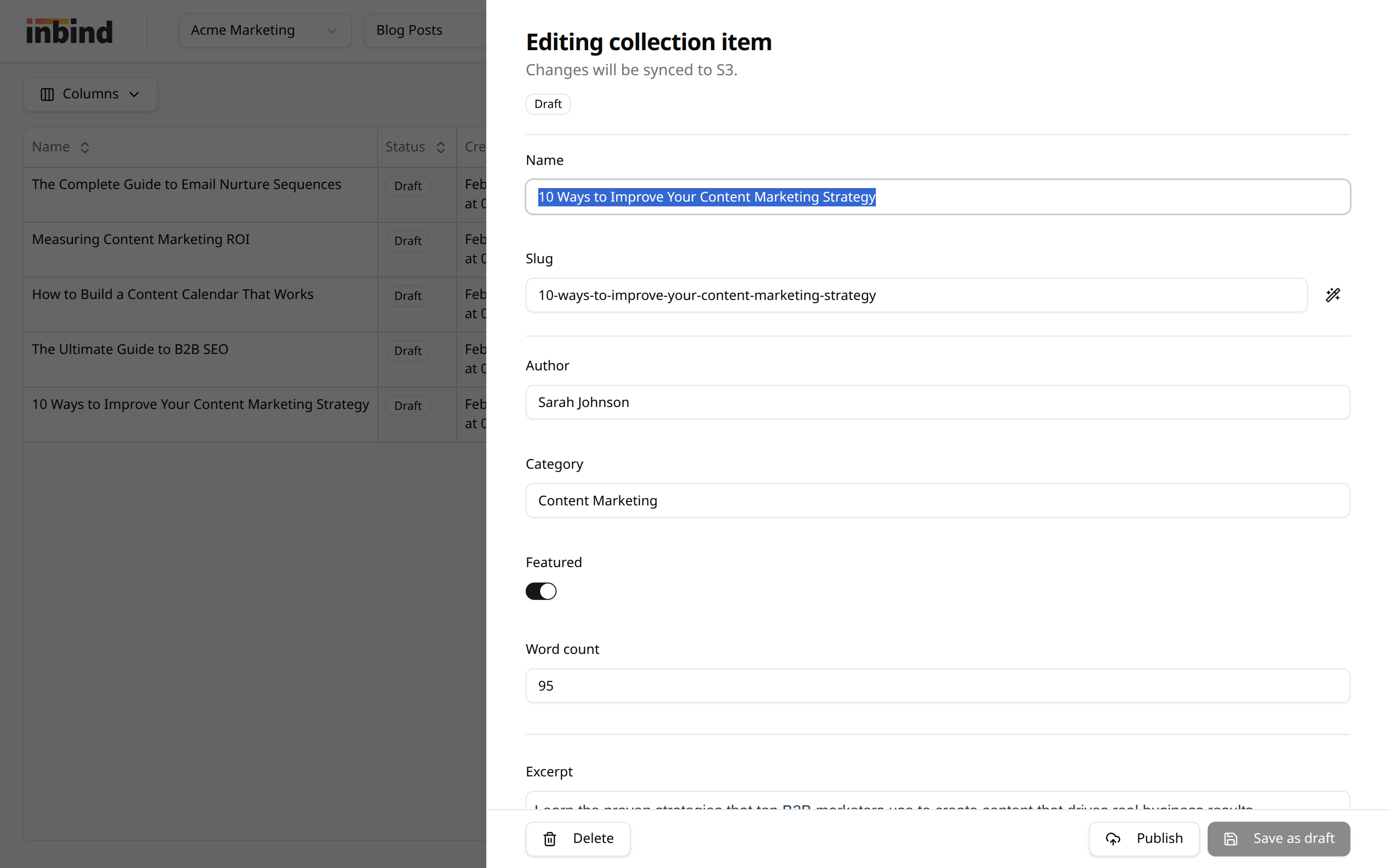
Troubleshooting
INFO
If you have created a collection directly in your connected platform, you will need to sync the collections manually in Inbind for them to appear.
Please review the troubleshooting guide for common issues.
Need help?
Email us at [email protected] if you have any questions.